The challenge: B2B and D2C from one store
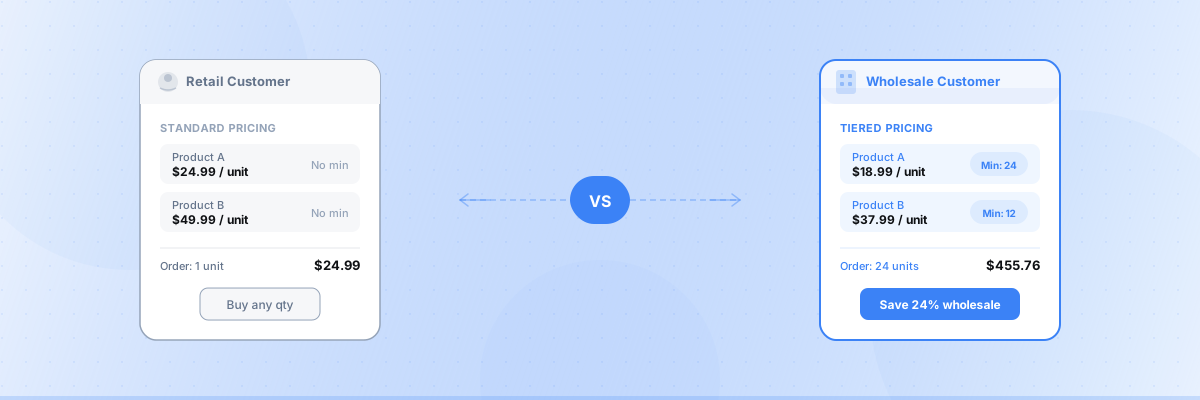
Many Shopify stores run wholesale and retail from the same storefront. The problem:
- Wholesale needs minimum order quantities (e.g., 12 units) or minimum order values ($500) to be profitable
- Retail needs no minimums — single-item purchases are fine
- Shopify doesn’t natively support different rules for different customer groups (outside of Plus B2B catalogs)
Without separate rules, you’re either forcing retail customers into wholesale minimums (losing sales) or letting wholesale customers place unprofitably small orders.
Solution: customer tag-based rules
The approach is simple:
- Tag your wholesale customers in Shopify with “wholesale,” “B2B,” or any tag you choose
- Create minimum order rules with a customer tag condition
- Wholesale-tagged customers get the minimum enforcement; retail customers don’t
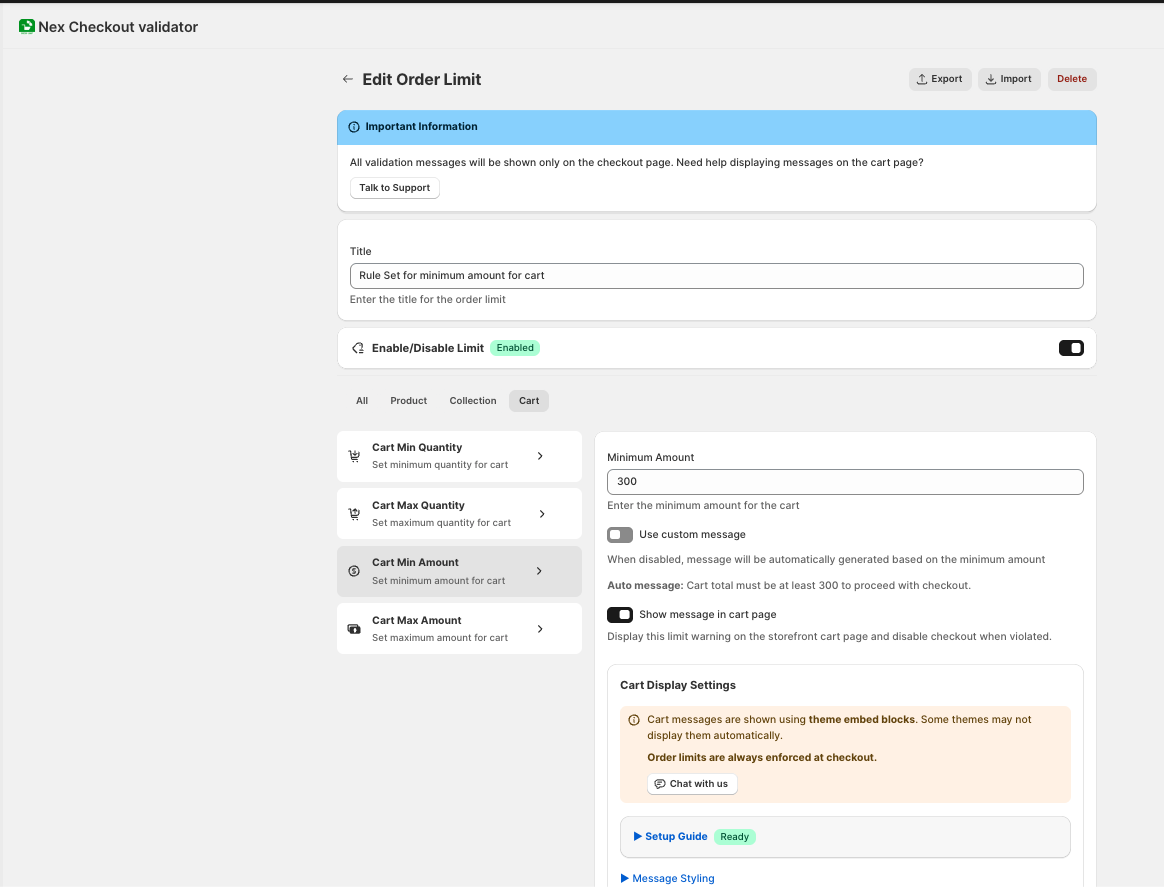
Setup with Nex Minimum Order Amount MOQ
Rule 1: Wholesale minimum order value
- Action: Minimum order amount
- Amount: $500
- Condition: Customer tag = “wholesale”
- Message: “Wholesale orders require a minimum of $500.00. Your current total is [amount]. Please add more items.”
Rule 2: Wholesale minimum quantity per product
- Action: Minimum order quantity
- Quantity: 12 per product
- Condition: Customer tag = “wholesale”
- Message: “Wholesale orders require a minimum of 12 units per product.”
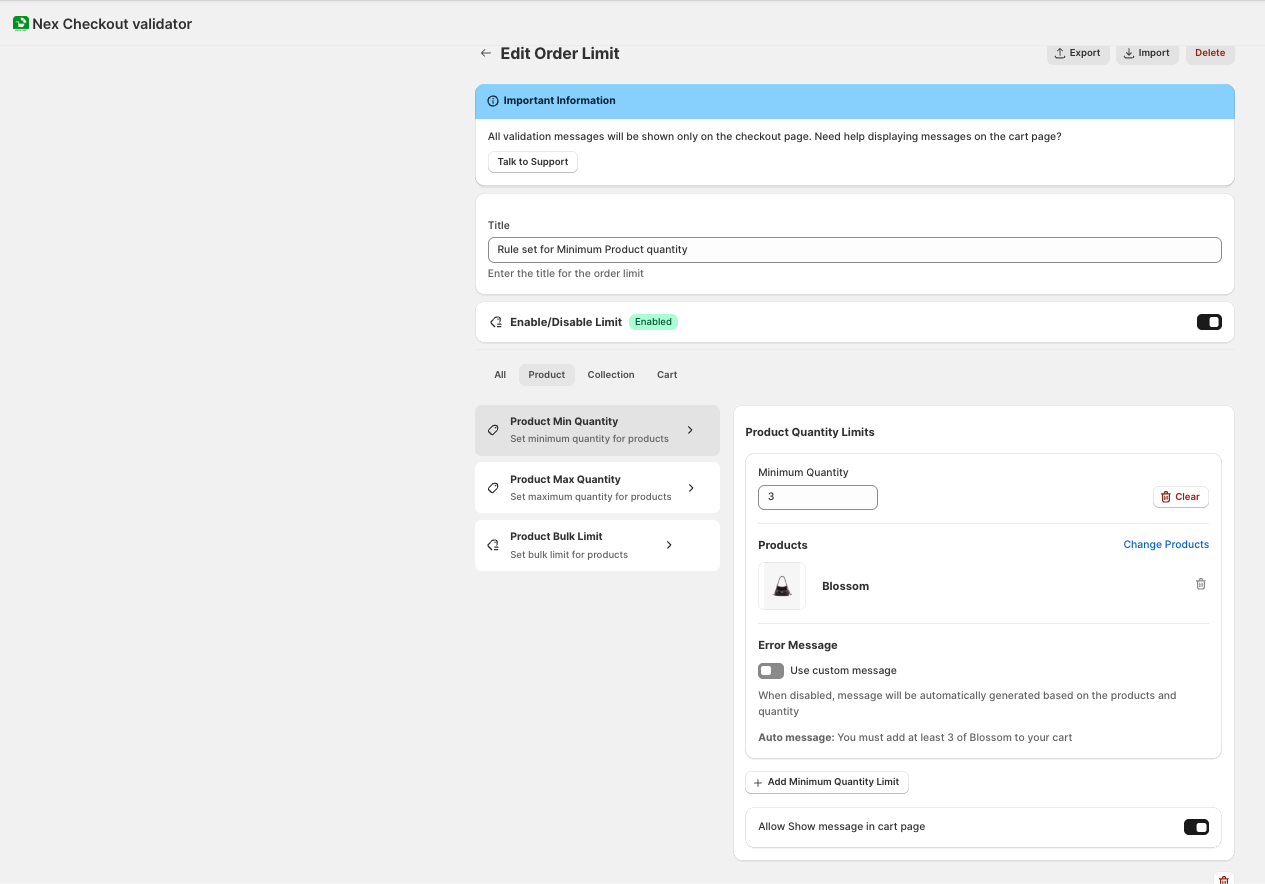
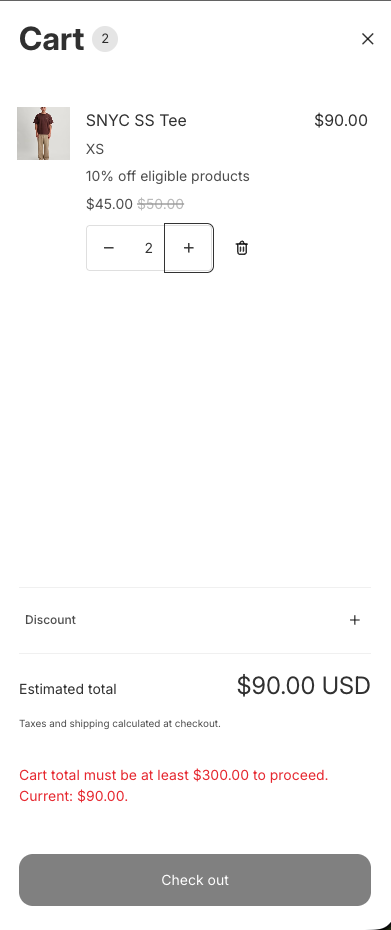
Result: A customer tagged “wholesale” must order at least $500 worth of products, with at least 12 of each item. A retail customer with no tag shops normally with no restrictions.
Tagging wholesale customers in Shopify
Manual tagging
- Go to Customers in your Shopify admin
- Click on the customer
- In the Tags field, add “wholesale” and save
Automatic tagging with Shopify Flow
If you have Shopify Flow (included on Shopify plan and above), create an automation:
- Trigger: Customer created (or customer approved)
- Condition: Check if they registered through your wholesale signup form
- Action: Add tag “wholesale”
Import with CSV
For bulk tagging, export your customer list, add the “wholesale” tag to the relevant rows, and re-import.
Common B2B minimum order setups
Simple wholesale minimum
| Customer type | Minimum order value | Minimum quantity |
|---|---|---|
| Wholesale | $500 | None |
| Retail | None | None |
Tiered wholesale
| Customer tag | Minimum order value | Minimum quantity |
|---|---|---|
| wholesale-tier-1 | $250 | 6 per product |
| wholesale-tier-2 | $500 | 12 per product |
| wholesale-tier-3 | $1,000 | 24 per product |
| (no tag = retail) | None | None |
Wholesale + retail profitability
| Customer type | Rule |
|---|---|
| Wholesale (tagged) | $500 minimum order value |
| Retail (no tag) | $30 minimum order value (covers shipping costs) |
Can I do this without Shopify Plus?
Yes. This is one of the most asked questions about Shopify B2B.
Shopify’s native B2B features (catalogs, quantity rules, company accounts) require Shopify Plus. But customer tag-based MOQ rules through a third-party app work on all Shopify plans — Basic, Shopify, Advanced, and Plus.
You don’t need Shopify Plus to:
- Set different minimums for wholesale vs retail
- Enforce minimums at checkout
- Block payment when rules aren’t met
- Show different messages to different customer groups
- Use customer tags for B2B segmentation
- Combine tag conditions with country or collection conditions
Wholesale MOQ + other conditions
Combine customer tag rules with other conditions for more advanced setups:
B2B + country
- Wholesale customers in Canada: $300 minimum (lower due to proximity)
- Wholesale customers internationally: $800 minimum (higher to justify shipping)
B2B + collection
- Wholesale customers ordering from “Custom Print” collection: 100 unit minimum
- Wholesale customers ordering from “Ready-Made” collection: 12 unit minimum
Tips for wholesale MOQ success
Communicate minimums on your wholesale page.
Before customers even register, show your minimum order requirements. “Wholesale orders: $500 minimum, 12 units per product.” This filters out non-serious inquiries.
Use the error message as a selling opportunity.
Instead of “Order too small,” write “You’re $150 away from the wholesale minimum. Add a few more items to unlock wholesale pricing.”
Offer volume pricing alongside MOQ.
Pair your minimum order with volume discounts: “Buy 24+, save 15%.” The minimum feels like a gateway to better pricing, not a restriction.
Review your minimums quarterly.
Check which wholesale customers are consistently hitting just above your minimum. You might be able to lower it slightly to capture more orders, or raise it if margins are thin.
Summary
| What you need | How to do it |
|---|---|
| Different minimums for wholesale vs retail | Customer tag conditions |
| Tiered wholesale (multiple levels) | Multiple tags, multiple rules |
| Enforce at checkout (not just cart) | Checkout Validation |
| Works without Shopify Plus | ✓ Yes, with Nex MOQ |
Nex MOQ Team
We build order limit tools for Shopify merchants. Our guides are written by Shopify experts who help thousands of stores manage minimum and maximum order rules.