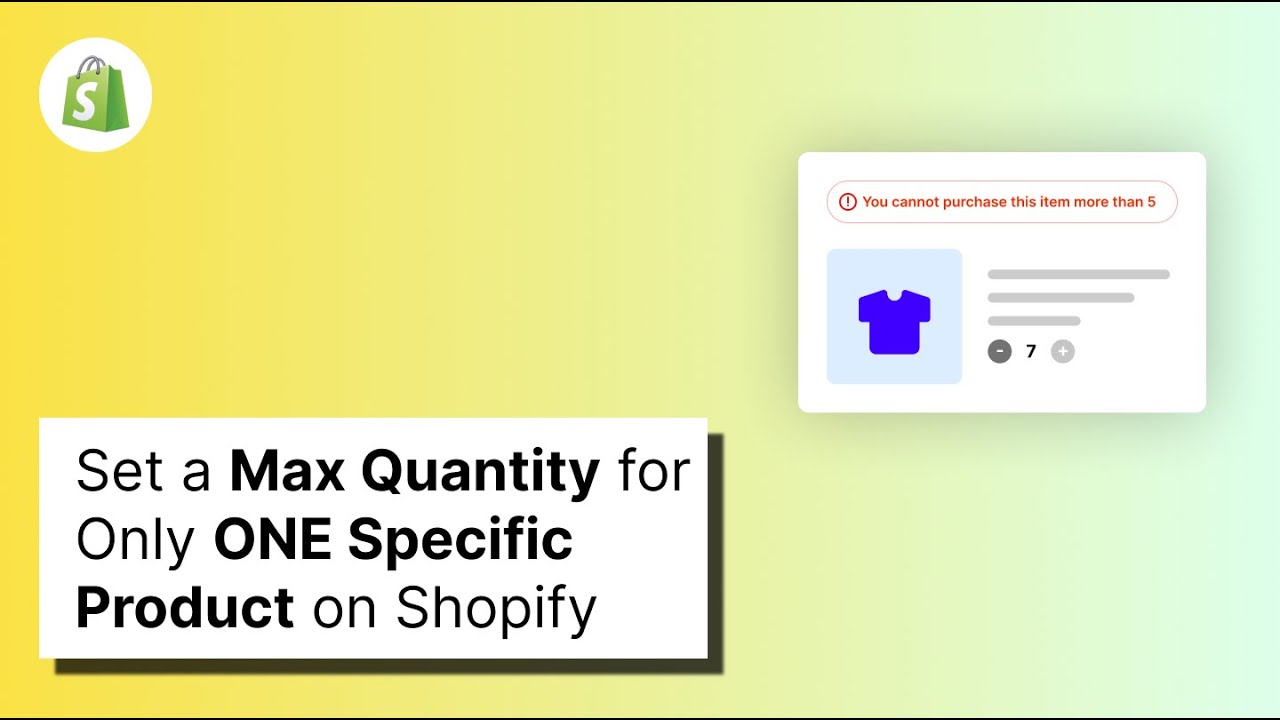
Example: if the maximum quantity is 10 for a selected product, the customer can buy up to 10. A quantity of 10 is allowed; 11 is blocked.
Use Maximum product quantity when you want to limit how many units of a specific product can be purchased in one order. For example, you can use it for limited-stock products, product launches, samples, or items where each order should have a quantity cap.
Before you start
Before creating the rule, decide:
- Which product or products need a maximum quantity.
- What the maximum quantity should be.
- Whether the rule should stay active permanently or only for a limited period. You can disable the rule later instead of deleting it.
Steps
1. Install Nex Validator
If Nex Validator is not installed yet, install it from the Shopify App Store and approve the required permissions. If it is already installed, skip to the next step.
2. Go to Simple Order Limit → Create Rule.
3. Give the rule a clear title, such as “Maximum 10 of selected products.” Then make sure Enable/Disable Limit is turned on. If the rule is disabled, it will not apply to customer orders.
4. Open the Product tab and select Product Max Quantity. Enter the maximum quantity, then select the product or products the rule should apply to.
Example: if Maximum Quantity is 10, a selected product can be purchased up to the maximum of 10 allowed by the rule.
5. Add a clear message that tells the customer what the maximum quantity is, then save the rule. For example: “You can add a maximum of 10 of this product to your cart.” If several products are selected, use wording that matches the exact way the rule checks those products.
Verify it worked
Test the rule in these situations:
- Add a selected product above the maximum. Checkout should be blocked.
- Add exactly the maximum quantity. Checkout should continue.
- Do not add the selected product to the cart. The rule should not affect checkout.
- If the product has variants, test more than one variant and confirm the rule behaves as expected.
Test the exact number too. A maximum of 10 should allow 10; 11 should be blocked.
Common setups
| Goal | Example maximum |
|---|---|
| Limited-stock product | 1–2 per product |
| Reduce bulk buying of popular products | 2 |
| Free or discounted sample | 1 |
| Limited restock | 2–4 |
If the limit is temporary, disable the rule after the promotion or product launch instead of deleting it. You can enable it again later.