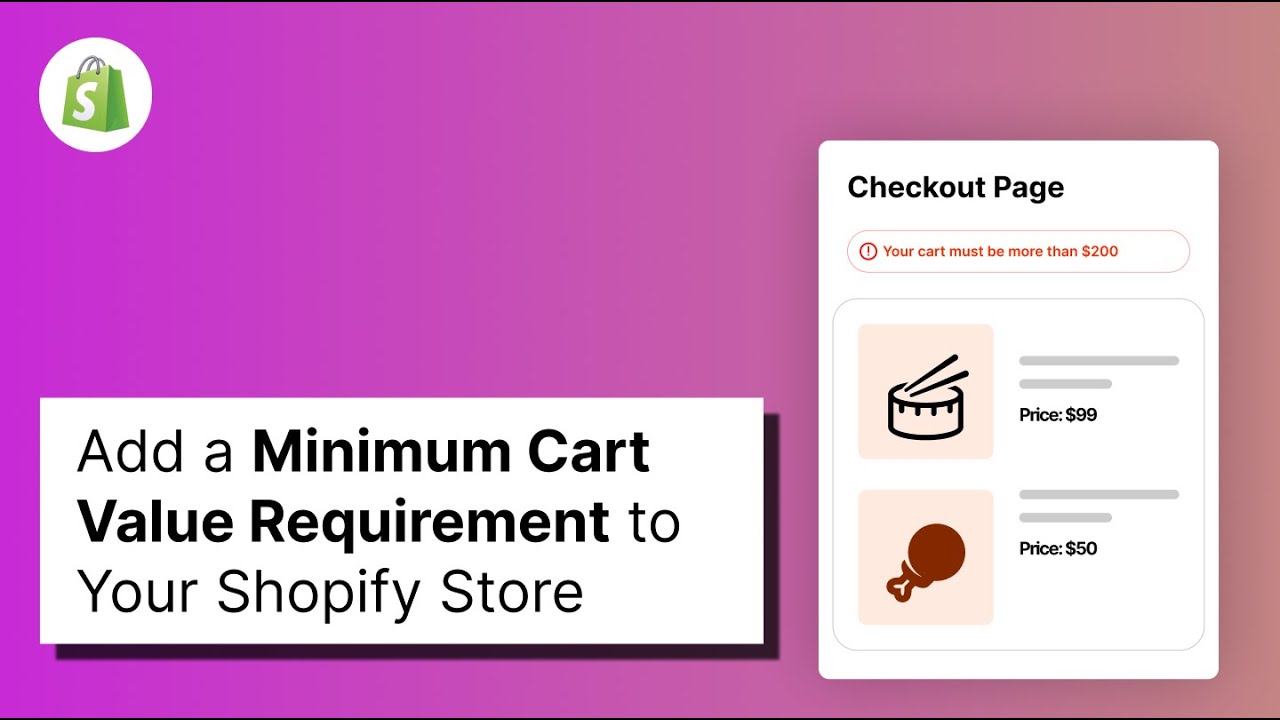
A minimum order amount is useful when very small orders are not worth processing. It makes sure customers reach a minimum cart value before they can check out.
Before you start
- Decide the minimum order amount you want customers to reach.
- If you sell in more than one currency, check how the amount works for each currency.
Steps
1. Install Nex Validator
If Nex Validator is not installed yet, install it from the Shopify App Store and approve the required permissions. If it is already installed, skip to the next step.
2. Go to Simple Order Limit → Create Rule.
3. Give the rule a clear title, then make sure Enable/Disable Limit is turned on. If the rule is not enabled, it will not apply to customer orders.
4. Open the Cart tab and select Cart Min Amount. Enter the minimum cart value customers must reach before they can check out.
Example: if the minimum amount is 4000, a cart below 4000 is blocked, while a cart at 4000 or above can continue.
5. Add a clear message that tells customers the minimum amount they need, then save the rule. For example: “Your cart total must be at least 4000 to proceed with checkout.”
Verify it worked
- Create a cart below the minimum amount. Checkout should be blocked and your message should appear.
- Create a cart at exactly the minimum amount. Checkout should continue normally.
- If you use discount codes, test again with a discount applied and confirm the rule works as expected.
Test the exact minimum too. If the minimum is 4000, a cart total of exactly 4000 should be allowed.
Common setups
| Goal | Example minimum |
|---|---|
| Make small orders worth processing | An amount that covers your order costs |
| B2B or wholesale orders | Your required minimum order value |
| Discounted products | An amount that keeps the order worthwhile after discounts |
| Very small orders | An amount that helps cover payment and processing costs |
Choose a minimum that makes sense for your store. Avoid setting it so high that it blocks normal customer orders.